Guides · File size & quality
How GIF captions and outlines affect file size: measured impact on photos, UI, and animation
Measured file size impact of adding captions and outlines to GIFs. Photo GIFs decreased slightly (-1.0% to -1.2%), synthetic UI increased +19.7% with caption, +39.1% with outline. Results depend on content type.
By Li Jiang · Published · 11 min read
Tested: Nine GIFs created via EasyGIF native production UI (https://www.easygif.app/) on 2026-11-11, with three content types (real CC0 photo pan, synthetic UI sequence, flat animation) and three caption conditions each (no caption, white text no outline, white text with 8% black outline). All files 480×270 px, 8 frames, 100 ms per frame, looping forever. Download byte sizes filesystem-measured. Frame count, dimensions (480×270), frame delays (100 ms), and loop count (0) verified by decoding each GIF. Settings (256 colors, dithering on, independent palettes per frame) were UI-observed at export time, not independently verified from encoder output.
When you add a caption or text overlay to a GIF, does the file get bigger? Advice on this is scattered, and most of it is guesswork. To find out what actually happens, we created three types of GIF content—a real photo pan, a synthetic UI sequence, and a flat animation—and exported each one three times with the same settings: once with no caption, once with a white text caption and no outline, and once with the same caption plus an 8% black outline. All nine GIFs were created using EasyGIF's production encoder at https://www.easygif.app/, and we measured the exact file sizes.
The short version: adding a caption to a photo GIF made it slightly smaller (−1.0% to −1.2%). Adding a caption to a UI GIF or flat animation made it larger (+19.7% and +90.4%). The outline's effect also varied by content type. The effect is content-dependent: captions interact with the encoder in different ways depending on what's in the GIF.
What we tested
Three content types, each 480×270 px, 8 frames, 100 ms per frame, looping forever:
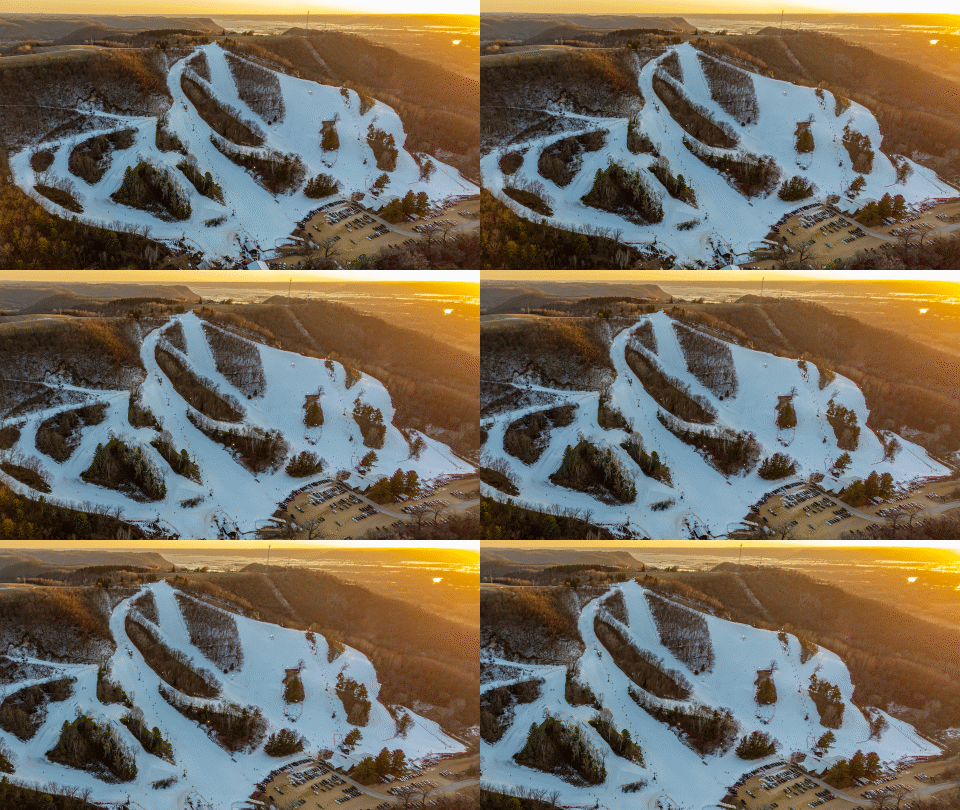
- Photo pan (A): A single real photograph with a deterministic Ken Burns pan/zoom effect. Source: Mt. La Crosse sunset by Wikideas1, CC0 1.0.
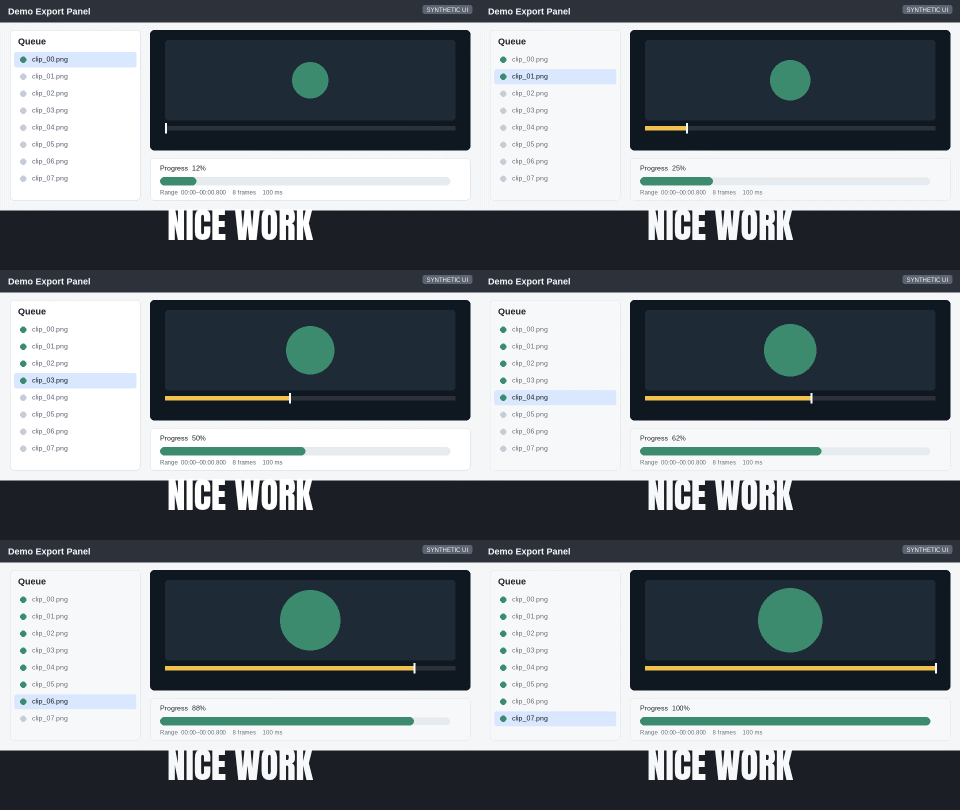
- Synthetic UI (B): A fictional progress panel sequence drawn in code, not a screen recording of a real product or person.
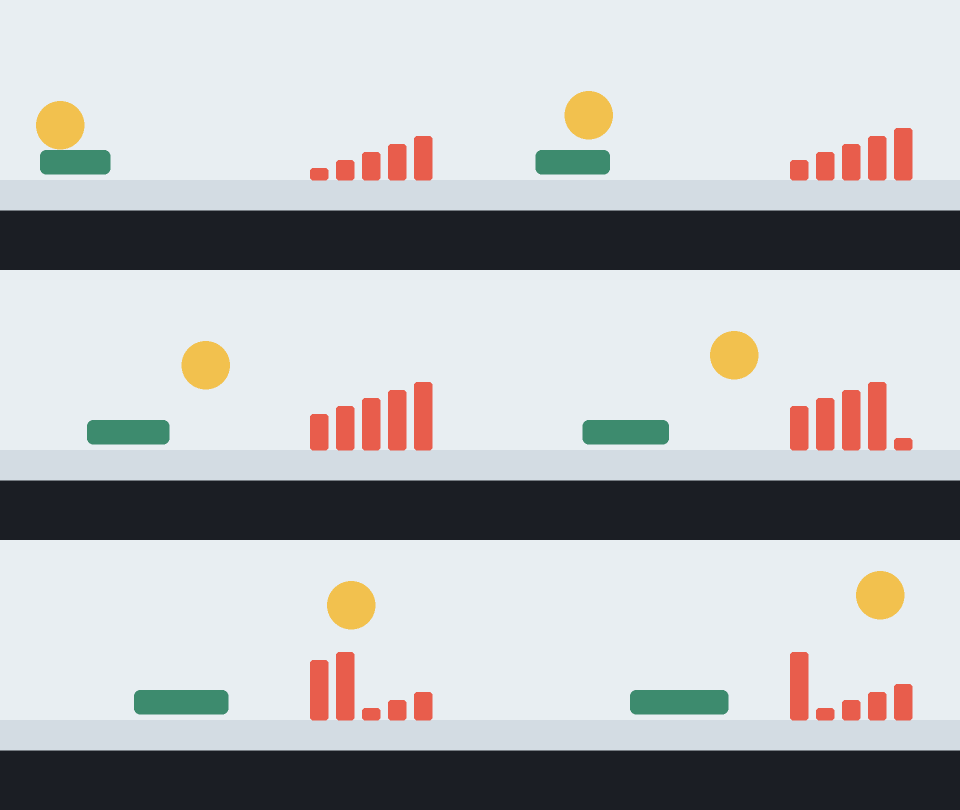
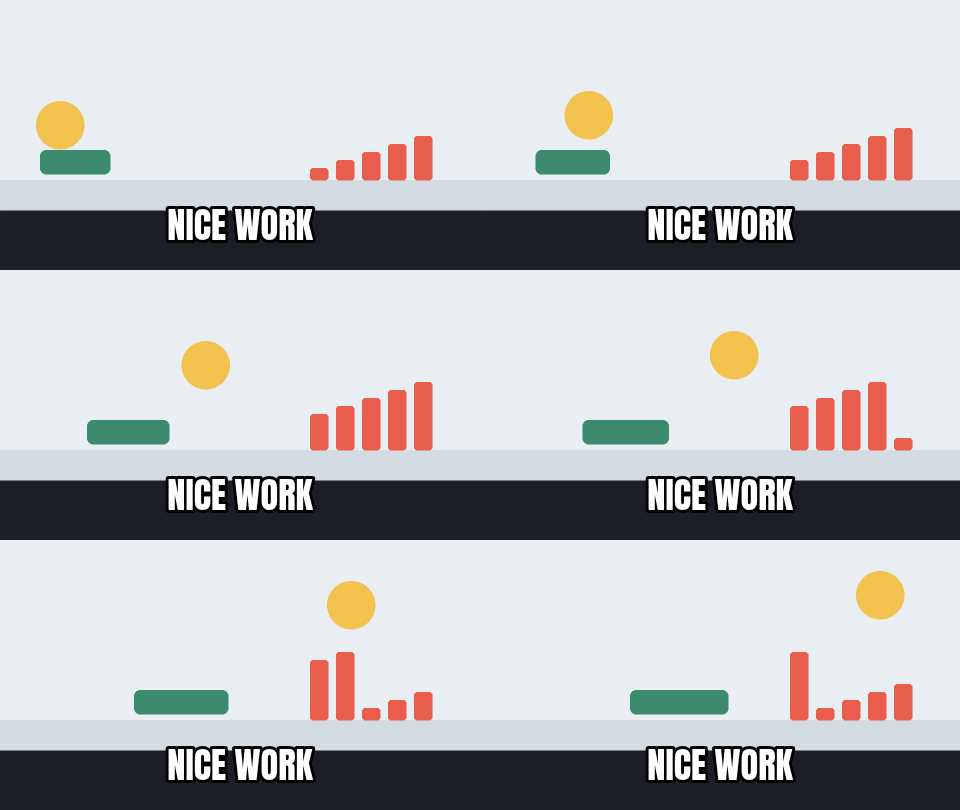
- Flat animation (C): An original geometric animation with simple shapes and motion.
Three caption conditions for each content type:
- No caption (x1): baseline, no text.
- Caption, no outline (x2): white text "NICE WORK", Impact font (meme style), 36 px, 100% opacity, bottom-centered, frames 1–8, no outline.
- Caption with outline (x3): same white text, 8% black outline.
All GIFs used the same encoder settings: 256 colors, dithering on, one palette per frame (not shared), white background. The caption phrase and settings match those used in prior EasyGIF size experiments for consistency.
Results: measured file sizes
File sizes below are exact download byte counts. All outputs verified as 480×270 px, 8 frames, 100 ms delay per frame, loop count 0 (forever).
<div class="overflow-x-auto"> <table> <thead> <tr> <th>Content type</th> <th>Caption condition</th> <th>File name</th> <th>Bytes</th> <th>KiB</th> <th>Change vs. no caption</th> </tr> </thead> <tbody> <tr> <td rowspan="3"><strong>A: Photo</strong></td> <td>No caption</td> <td><a href="/guides/caption-size-study/A1-photo-no-caption.gif">A1-photo-no-caption.gif</a></td> <td>770,436</td> <td>752.4</td> <td>—</td> </tr> <tr> <td>Caption, no outline</td> <td><a href="/guides/caption-size-study/A2-photo-caption-no-outline.gif">A2-photo-caption-no-outline.gif</a></td> <td>762,785</td> <td>744.9</td> <td>−7,651 (−1.0%)</td> </tr> <tr> <td>Caption + 8% outline</td> <td><a href="/guides/caption-size-study/A3-photo-caption-outline-8pct.gif">A3-photo-caption-outline-8pct.gif</a></td> <td>760,954</td> <td>743.1</td> <td>−9,482 (−1.2%)</td> </tr> <tr> <td rowspan="3"><strong>B: UI</strong></td> <td>No caption</td> <td><a href="/guides/caption-size-study/B1-ui-no-caption.gif">B1-ui-no-caption.gif</a></td> <td>70,027</td> <td>68.4</td> <td>—</td> </tr> <tr> <td>Caption, no outline</td> <td><a href="/guides/caption-size-study/B2-ui-caption-no-outline.gif">B2-ui-caption-no-outline.gif</a></td> <td>83,794</td> <td>81.8</td> <td>+13,767 (+19.7%)</td> </tr> <tr> <td>Caption + 8% outline</td> <td><a href="/guides/caption-size-study/B3-ui-caption-outline-8pct.gif">B3-ui-caption-outline-8pct.gif</a></td> <td>97,384</td> <td>95.1</td> <td>+27,357 (+39.1%)</td> </tr> <tr> <td rowspan="3"><strong>C: Flat</strong></td> <td>No caption</td> <td><a href="/guides/caption-size-study/C1-flat-no-caption.gif">C1-flat-no-caption.gif</a></td> <td>17,084</td> <td>16.7</td> <td>—</td> </tr> <tr> <td>Caption, no outline</td> <td><a href="/guides/caption-size-study/C2-flat-caption-no-outline.gif">C2-flat-caption-no-outline.gif</a></td> <td>32,531</td> <td>31.8</td> <td>+15,447 (+90.4%)</td> </tr> <tr> <td>Caption + 8% outline</td> <td><a href="/guides/caption-size-study/C3-flat-caption-outline-8pct.gif">C3-flat-caption-outline-8pct.gif</a></td> <td>37,095</td> <td>36.2</td> <td>+20,011 (+117.1%)</td> </tr> </tbody> </table> </div>
Key takeaways:
- Photo GIF: adding a caption made the file smaller by 7,651–9,482 bytes (−1.0% to −1.2% vs. baseline). The outline also reduced size: A3 with outline is 1,831 bytes smaller than A2 without outline (−0.2%).
- UI GIF: adding a caption made the file larger by 13,767 bytes (+19.7%). Adding the outline on top added another 13,590 bytes (+16.2% relative to caption-only), for a total of +27,357 bytes (+39.1%) over the baseline.
- Flat animation GIF: adding a caption made the file larger by 15,447 bytes (+90.4%), nearly doubling the size from a small baseline. Adding the outline added another 4,564 bytes (+14.0% relative to caption-only), for a total of +20,011 bytes (+117.1%).
All percentage changes are calculated from the no-caption baseline for that content type. Absolute byte differences are exact. All percentages rounded to 1 decimal place consistently.
Observations about size changes
Photo GIF got smaller: We measured the size decrease but did not analyze the encoder's internal palette choices or compression stream. One hypothesis is that the white caption replaced complex photo detail with simpler regions that compressed better with LZW. However, this is speculation based on the observed outcome, not a verified mechanism. Different photos, caption placements, or encoder configurations may behave differently.
UI and flat GIFs got larger: These started with simpler content (fewer unique colors, large solid regions). Adding text introduced new elements (anti-aliased letter shapes, additional color boundaries) that increased the encoded data. The flat animation's baseline was very small (16.7 KiB), so the caption's added data had a large percentage impact.
Outline effects vary by content: For the photo, the outline made the file 0.2% smaller than caption-only. For the UI and flat GIFs, the outline added 16.2% and 14.0% respectively (relative to caption-only). Why the outline reduced the photo size slightly is unknown without analyzing the encoder's palette and compression decisions.
Practical guidance
If you're near a file size limit:
- Test your specific GIF with and without the caption. The results above show the direction, but your content may differ.
- For photos, captions rarely add meaningful size; prioritize readability.
- For UI or flat content, captions can add 15–30% or more. If you're near Discord's emoji limit (256 KB) or a similar cap, export both versions and check the sizes in EasyGIF's preview before downloading.
If readability is the priority:
- Use the caption. The size difference for photos is negligible. For UI and flat GIFs, the added bytes are usually worth it for clarity.
- See the text readability guide for font size, stroke width, and contrast recommendations.
If you're optimizing aggressively:
- Captions on flat animations and UI sequences can add significant percentage increases from a small base. If the caption isn't critical, leave it out or move the text to the surrounding post.
- Outlines add more bytes than captions alone (except for the photo case, where the outline reduced size slightly). Don't skip the outline to save a few KB if it makes the text illegible.
Outline width: 8% vs. 3 px
The UI settings used in this test specify outline width as a percentage, not pixels. The encoder translates "8%" to an actual pixel width based on the font size and canvas dimensions. We did not independently verify the exact pixel width of the rendered outline, only that the UI control was set to 8% and the resulting GIFs matched the observed export-time previews.
Do not describe the outline in this test as "3 px"—the 8% setting is what was used and verified. The text readability guide discusses stroke width recommendations in pixels for different GIF sizes.
Evidence and limitations
What we verified:
- All nine GIFs were created in EasyGIF's native production UI, not with Pillow, ffmpeg, or another encoder.
- Frame count (8), pixel dimensions (480×270), frame delays (100 ms), and loop count (0) verified by decoding each GIF with Pillow (read-only).
- File sizes are exact filesystem download byte counts.
- The caption text, font, size, color, position, and outline settings match the UI screenshots captured at export time.
What we observed but did not independently verify:
- The "256 colors" and "dithering on" settings were set in the UI and retained across all exports. We did not analyze the GIF's internal palette entries or dithering patterns at the byte level; these are UI observations.
- The "one palette per frame" setting (not shared) was confirmed in the UI before each export.
Limitations:
- Missing screenshot: the no-caption photo GIF (A1) settings screenshot was not captured at export time. A reconstruction screenshot was taken afterward by re-importing the same input frames with the same retained settings, but it is explicitly a reconstruction, not the original export-time evidence. The A1 file itself is the original download, and the preview screenshot confirms no caption was present.
- No statistical replication: each of the nine GIFs was created once. These are single observations per condition, not averaged over multiple trials.
- Content-specific: the three content types (photo pan, UI sequence, flat animation) were chosen to represent common GIF use cases, but your own content may behave differently. Use these results as a directional guide, not as universal rules.
- Single encoder: all GIFs were created with EasyGIF's production encoder (gifenc). Other GIF encoders may produce different file sizes and may respond differently to captions.
- No mechanism analysis: we measured file sizes and verified frame properties, but we did not analyze the encoder's internal palette selection, LZW compression streams, or other encoding decisions. Explanations for why sizes changed are hypotheses, not established causes.
Reproducibility
The complete reproducibility package (18 MB) includes:
- The 24 input PNG frames (8 frames × 3 content types) at 960×540 px.
- The original CC0 photograph (Mt. La Crosse sunset, Wikideas1, Wikimedia) and its metadata.
- A Python script (build_inputs.py) that deterministically generates the input frames from the original photo and creates the synthetic UI and flat animation frames.
- The nine exported GIF files with their SHA-256 hashes.
- Full method documentation (PREP.md, RESULTS.md, MANIFEST.json).
- SOURCE.md files for each input set with license and provenance.
Download: reproducibility-package.zip (18 MB)
The reproducibility package intentionally excludes all screenshots. UI preview and settings screenshots were captured during the encoding session but are not distributed in the ZIP. The A1 settings screenshot is missing from the original session, and its reconstruction is also not included in the package. The package focuses on reproducible inputs (PNG frames, generator script, source photo) and the measured outputs (GIF files with hashes), not on UI evidence.
The input frames are derived from a single CC0 photograph, or drawn in code (UI and flat sets). No private file paths or unpublished materials are included. The generator script is deterministic: running it produces bit-identical input PNGs (SHA-256 verified in MANIFEST.json). The nine GIFs themselves are the original EasyGIF exports and are provided as-is.
Important: the reproducibility package and example GIF downloads are licensed for study, citation, and reuse. The package itself is provided under CC0 where applicable (original photo, measurements, documentation), and the generated inputs and GIF exports are licensed as indicated in the package's SOURCE.md files. This does not make the entire EasyGIF codebase or repository open source—only these specific example artifacts are freely available.
How these measurements were made
All nine GIFs were created manually via EasyGIF's native browser UI at https://www.easygif.app/ on 2026-11-11 (Asia/Shanghai time zone). For each content type, the input frames were imported in order (frame_00.png through frame_07.png), common settings were applied (480 px width, 16:9 shape, 100 ms per frame, 256 colors, dithering on, independent palettes), and three exports were made: no caption, caption with no outline, and caption with 8% black outline. Each export was downloaded, and the file size was measured from the filesystem. Between content types, the canvas was cleared and the next set of frames was imported. Settings were retained across sets to ensure consistency.
Frame properties and loop counts were verified by decoding each GIF with Pillow (Python Imaging Library) in read-only mode. Pillow was not used to create or alter any of the GIFs; it was used only for post-export verification.
UI screenshots captured at export time document the settings panels and preview sizes (preview sizes are rounded to 0.1 KiB by the UI). Method documentation and input provenance are included in the reproducibility package, but screenshots are not distributed in the ZIP.
When to add captions, when to skip them
Add captions when:
- The text is critical to understanding the GIF (a punchline, a label, a warning).
- The GIF is part of a visual guide or tutorial where the caption provides context.
- You're making an emoji or sticker where text is the main content (e.g., "YES", "SOLD").
Skip captions when:
- You're very close to a platform's file size limit and the caption isn't essential.
- The text can go in the surrounding message or post instead of burned into the GIF.
- The GIF is already self-explanatory and adding text would clutter it.
For more on making captions readable, see the text readability guide. For other ways to reduce file size, see how to make a GIF smaller.
Related techniques
- Dithering: see the dithering guide for when to turn it off (it can save 20–40% on flat content).
- Color reduction: fewer colors often compress better. See the file size guide.
- Shared palettes: one palette across all frames can save space for visually similar frames, but it can also add size for diverse content (as shown in the file size guide's slideshow example).
If you're working with text on transparent backgrounds or cutouts, the transparent edges guide covers matte color and halo issues.
Example GIF downloads
All nine GIFs used in this study are available for download and inspection:
Photo pan (A): - A1: no caption (770,436 bytes) - A2: caption, no outline (762,785 bytes) - A3: caption + 8% outline (760,954 bytes)
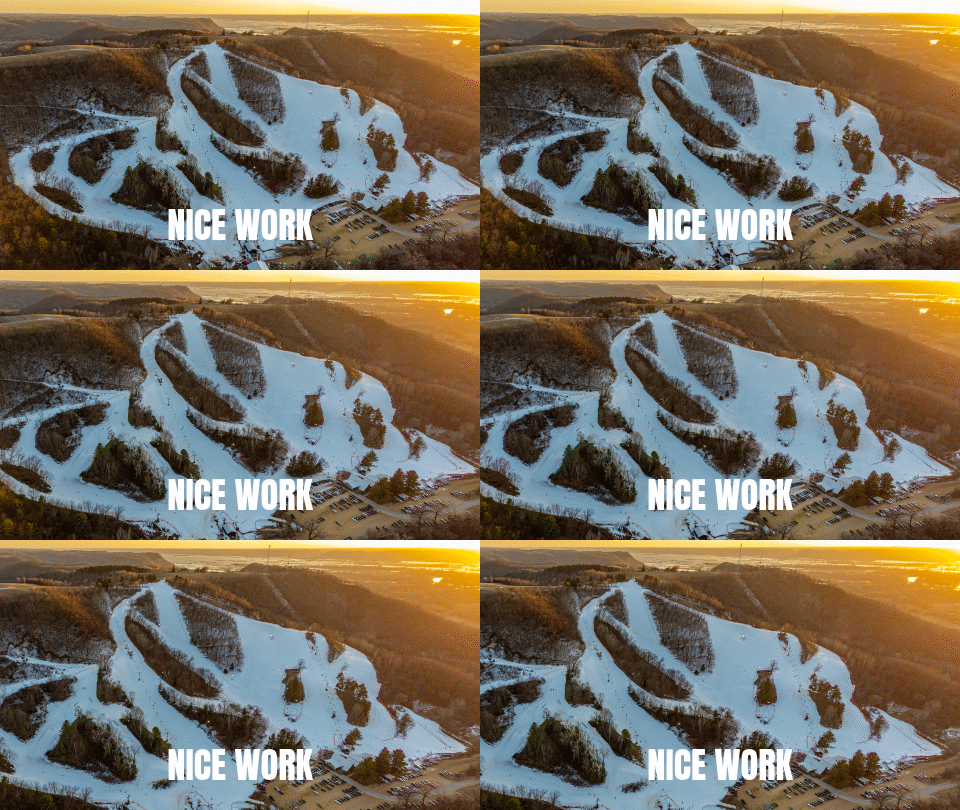
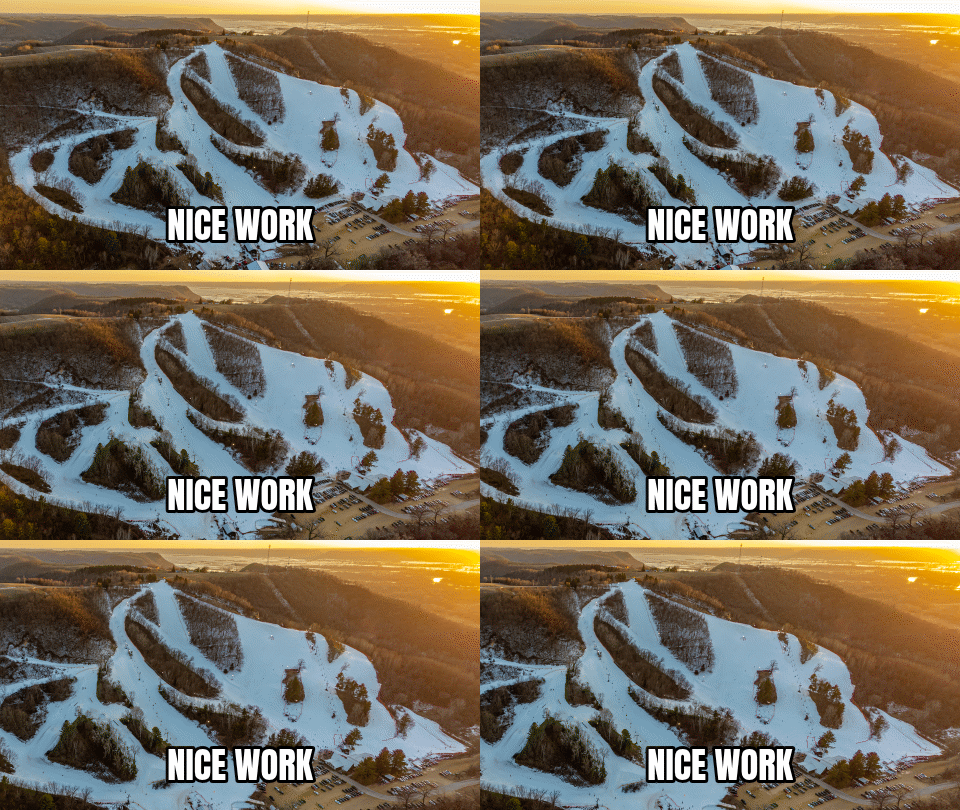
Synthetic UI (B): - B1: no caption (70,027 bytes) - B2: caption, no outline (83,794 bytes) - B3: caption + 8% outline (97,384 bytes)
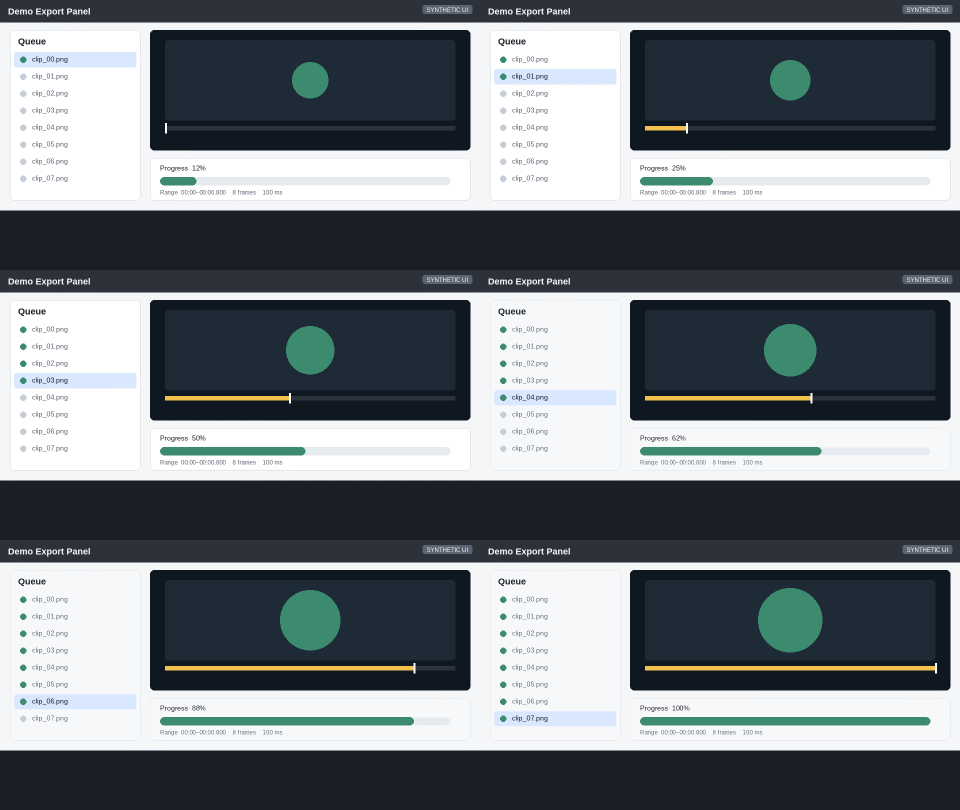
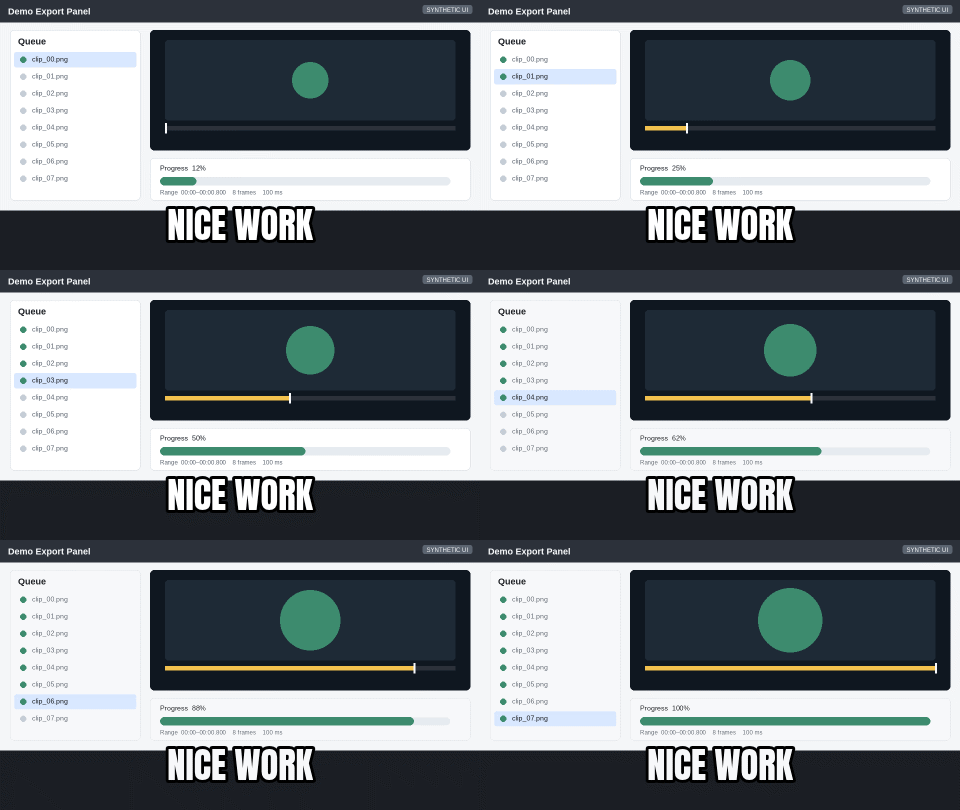
Flat animation (C): - C1: no caption (17,084 bytes) - C2: caption, no outline (32,531 bytes) - C3: caption + 8% outline (37,095 bytes)
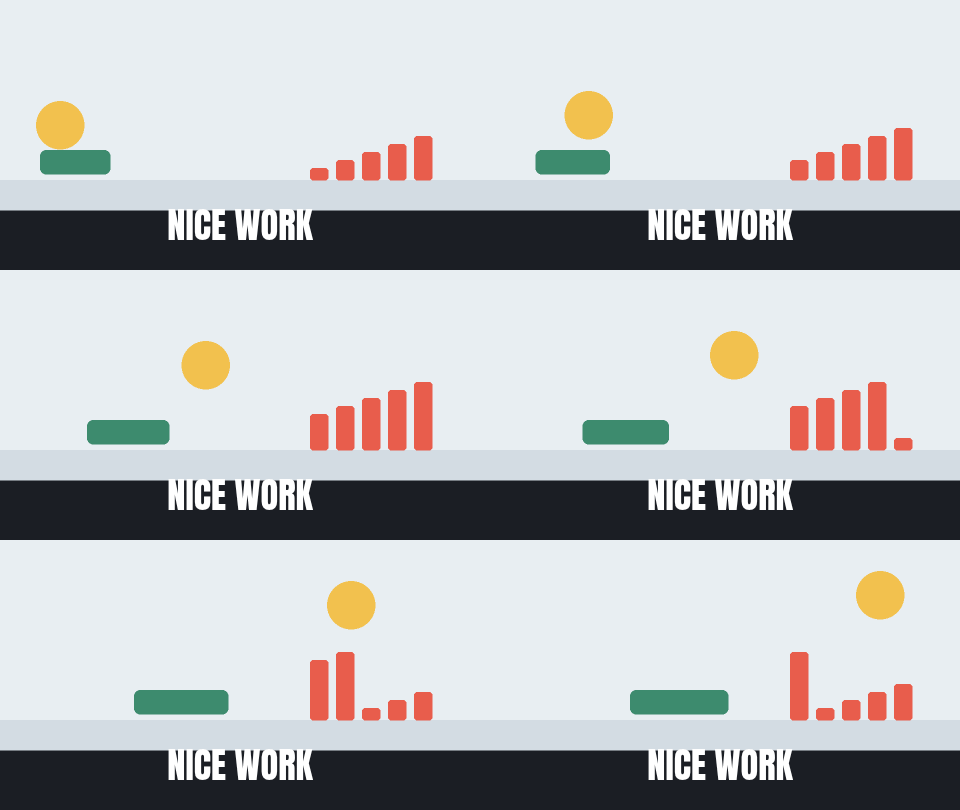
These files are the original exports from the study, provided for verification and reuse under the licenses described in the reproducibility package.
Try it on your own files
Free, no sign-up, and made on your device. Nothing is uploaded.
Open the GIF creatorQuestions
- Does adding a caption always make a GIF larger?
- No. In our measurements, photo GIFs got slightly smaller with captions (−1.0% to −1.2%), synthetic UI GIFs got larger (+19.7% to +39.1%), and flat animation GIFs got much larger (+90.4% to +117.1%). The effect depends on the content type and how the caption interacts with the encoder.
- How much does a text outline add to file size?
- The outline's effect varies by content. For the photo GIF, the outline made it 1,831 bytes (0.2%) smaller than the caption without outline. For the UI GIF, the outline added 13,590 bytes (+16.2%) relative to caption-only. For the flat animation, the outline added 4,564 bytes (+14.0%). The impact is content-dependent.
- Why did the photo GIF get smaller with a caption?
- We measured the size change but did not analyze the encoder's internal palette or compression stream. One hypothesis: the white caption may have replaced complex photo detail with simpler regions that compressed better. However, this is speculation based on the observed size decrease, not a verified mechanism. Different photos or caption placements may behave differently.
- Should I avoid captions to save file size?
- Not necessarily. For photos, the size change is small (under 10 KB). For UI and flat content, captions do add size, but readability and communication are usually more important than a few dozen KB. If you're near a platform's size limit, test with and without captions and decide based on the actual file sizes.
Sources (last checked November 11, 2026)
- Source photo: Mt. La Crosse sunset by Wikideas1, CC0 1.0
- Reproducibility package (18 MB): inputs, generator script, original photo, measurements
Spotted something out of date? Please let us know.